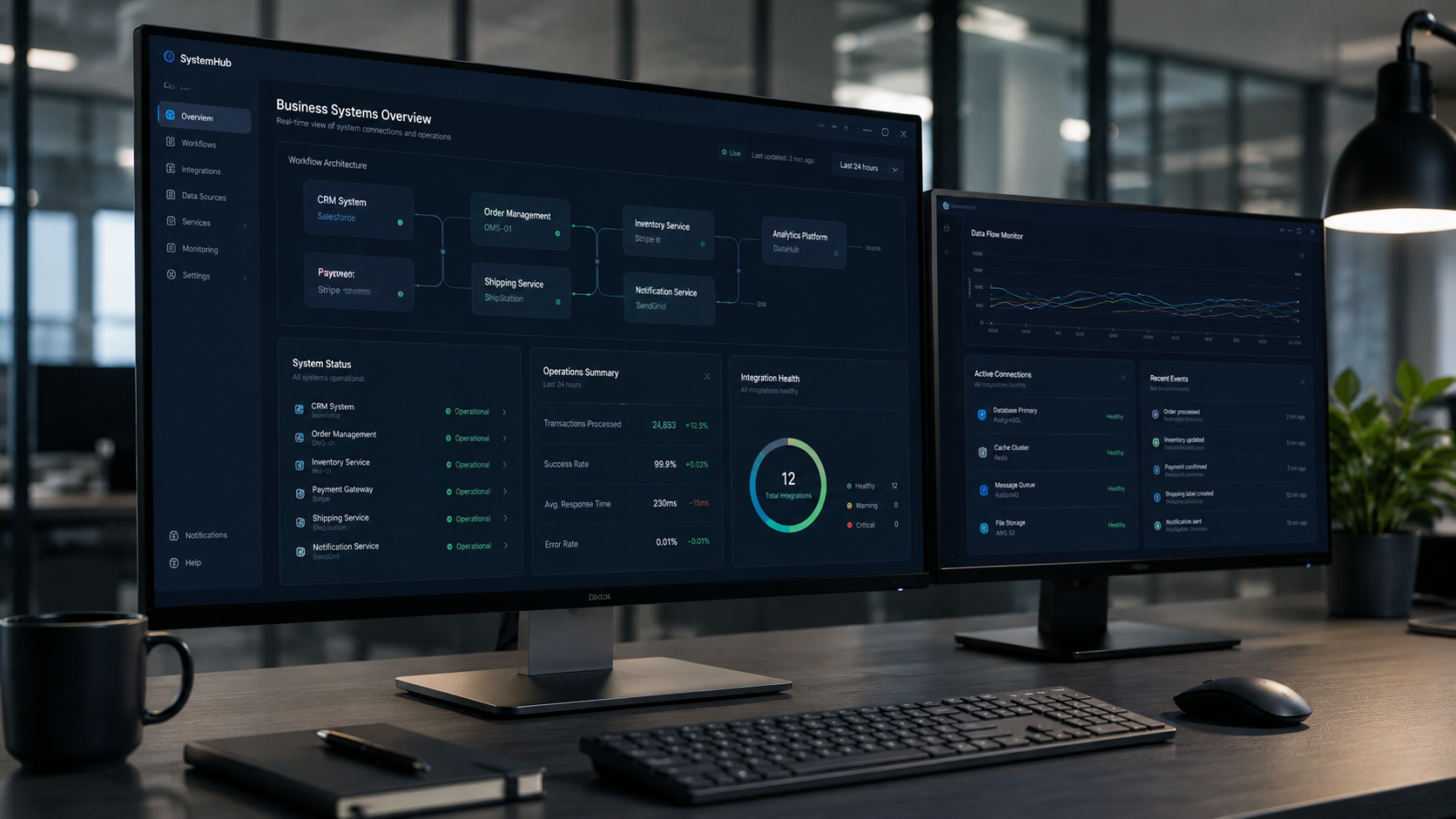
Connected intake, tracking, workflow, communication, and operations systems built around the way your business actually moves work from request to delivery.
Business systems should make work easier to manage
This service is for businesses that are outgrowing scattered forms, spreadsheets, emails, manual follow-up, and disconnected tools. NxtGenGuard helps you turn the moving parts of your operation into a cleaner system for intake, tracking, assignments, status updates, approvals, records, and delivery.
This page is not a checkout page. You can build a request, choose a starting point, and add demo or support options before continuing to contact. We confirm scope, price, timeline, and payment details before any paid work starts.
Build your Business Systems request in 3 steps
Step 1Pick the system path
Step 2Pick the starting point
Step 3Add demo, support, or growth options
You can choose everything on this page first. When you continue, your selected system path, starting point, budget range, demo option, estimated demo amount, timeline, credit note, and optional add-ons are included with your contact request.
Step 1: choose the system path you need
Choose the option closest to the business problem you want to organize. If your needs overlap, start with the closest match and include details in the request.
Requests
Intake and request system
Best when you need a cleaner way to collect requests, route them, assign work, and track status from start to finish.
Custom intake forms
Status and assignment structure
Request tracking views
Follow-up and notification planning
Suggested start: $2,500–$8,500+
Operations
Operations tracking system
Best when your team manages jobs, tasks, projects, service steps, or delivery stages and needs one clearer workflow.
Job, task, or project tracking
Workflow stages and bottleneck review
Team assignment structure
Manager-ready progress views
Suggested start: $5,000–$15,000+
Clients
Client or project management system
Best when you need a better structure for client records, project stages, follow-ups, notes, deadlines, and handoff steps.
Client or project records
Milestones, notes, and status fields
Follow-up reminders and task views
Team handoff structure
Suggested start: $4,500–$18,000+
Tracking
Asset, device, or job tracking
Best when you need to organize equipment, devices, service jobs, inventory-style records, asset status, or field work.
Asset, device, or job records
Lifecycle and status tracking
Searchable tables and detail views
Service history or ownership notes
Suggested start: $5,000–$20,000+
Updates
Communication and notification flow
Best when you need better alerts, reminders, handoffs, confirmations, team updates, or customer-facing status communication.
Email or message flow planning
Internal reminders and handoff alerts
Status update structure
Template and trigger planning
Suggested start: $2,500–$12,000+
Not sure yet
System cleanup, map, and recommendation
Best when you know the process is messy but are not sure whether you need forms, tracking, automation, software cleanup, or a custom build.
Workflow review and bottleneck map
System and data field recommendations
Build vs. cleanup decision
Budget and next-step guidance
Suggested start: $750–$2,500
Step 2: choose your Business Systems starting point
These are starting points, not fixed checkout packages. Final pricing depends on the number of workflows, forms, records, user roles, permissions, notifications, integrations, and support needs.
Plan first
Systems Discovery + Blueprint
Best when you need the workflow, data fields, roles, and build path mapped before committing to a full system build.
$1,500–$3,500
Useful before larger builds or when your process is still unclear.
Starter build
Starter Business System
Best for one core workflow, one main intake or tracking process, admin-ready fields, and a cleaner handoff structure.
$5,000–$12,000
A strong fit for replacing a manual spreadsheet or scattered email process.
Operations
Workflow Operations System
Best for multiple workflow screens, forms, record views, staff handoffs, reporting needs, and light automation planning.
$10,000–$22,000
Common for teams that need intake, tracking, status, and communication working together.
Custom platform
Connected Business Platform
Best for larger systems with multiple roles, connected tools, portals, workflows, records, automation, and future cloud integrations.
$20,000–$35,000+
Used when the system becomes a central operating layer for the business.
Choosing a starting point starts a request only. It does not charge you. Third-party software, paid platforms, SMS/email services, hosting, cloud usage, premium tools, data cleanup labor, and outside vendor fees are separate unless included in the final proposal.
Step 3: choose demo, maintenance, or growth options
These options help us understand what should happen next. A demo selection shows an estimated demo amount due before demo work starts, but this page is still a request builder. You are not charged automatically.
Do you want a demo before the full system build?
Start with a free fit call, then choose a paid demo only if you want files, visuals, or a proof-of-concept before approving the full build.
Start simple
Free fit call first
$0 today
Best when you want to talk through scope before paying for a demo.
A short Zoom or phone call to confirm the workflow, current process, likely system path, and whether a paid demo makes sense.
No demo filesScope check firstGood before a larger build
Visual direction
Workflow demo snapshot
$500 today
Best for one sample intake, tracking, or status screen.
A simple visual concept showing how one core system screen or workflow could be organized for your business.
1–2 screen concepts2–3 business days1 small polish pass
Recommended demo
System blueprint + clickable workflow demo
$1,250 today
Best before a serious custom system build.
A paid scope call plus a visual or clickable demo that maps the first workflow, key fields, screen structure, status logic, and handoff points.
2–3 core screensWithin 5 business days1 grouped revision round
Deeper preview
Advanced operations proof-of-concept
$2,500 today
Best for multi-step operations or larger connected systems.
A deeper demo for systems with multiple workflows, sample records, user roles, admin views, notifications, or connected-tool planning.
3–5 sample screens7–10 business days2 grouped review rounds
Demo delivery timing starts after the scope call is complete, demo payment is received, and you provide any needed workflow details, sample fields, current forms, example records, brand direction, or process notes. Demo fees are credited toward the main build only when you approve the project within the stated credit window and the full build stays aligned with the approved demo scope.
Optional maintenance, support, and growth add-ons
Add these if you want the request to include post-launch support, ongoing process improvements, or extra setup help. These can be quoted as monthly support or one-time add-ons.
Maintenance
Business Systems Care
Post-launch support for small fixes, light updates, access questions, minor workflow adjustments, and health checks.
$350–$950/mo
Growth
Workflow Growth Support
For businesses that expect to keep adding fields, statuses, reports, forms, staff workflows, templates, and improvement requests.
$750–$2,500/mo
Data
Data cleanup + field mapping
Help cleaning up spreadsheets, form fields, record names, categories, statuses, and import-ready structure before the build.
$500–$2,500+
Expansion
Additional form or workflow
Add another intake form, approval flow, service request path, onboarding path, or team handoff process.
$750–$3,500+
Automation
Automation + notifications
Automated status updates, reminders, email routing, task creation, scheduled exports, or connected-tool alerts.
$1,500–$7,500+
Training
Training + handoff session
Guided team training, system walkthroughs, handoff notes, admin instructions, and best-practice usage support.
$150–$350/hr
Your request summary
This summary updates on the page first. After you choose a system path and starting point, the final button sends your selected options to the contact form.
System pathNot selected yet
Starting pointNot selected yet
Demo optionOptional — not selected
Add-onsNone selected
Estimated demo due today$0 — no paid demo selected on this page.
No payment is collected on this page. We confirm paid demos through the contact form, a call, and an invoice/payment link before work starts. Your demo fee covers scope thinking, workflow structure, field planning, review preparation, and a clean review-ready demo package.
Paid demo process, review rules, and scope clarity
A paid demo is a small planning/prototype phase, not the full business system. It helps you see the direction before committing to a larger build while keeping scope clear and preventing unlimited unpaid changes.
1. Fit call firstStart with a short Zoom or phone call to confirm the workflow, selected path, current bottlenecks, data fields, users, and whether the demo option is the right size.
2. Demo fee paid upfrontThe selected demo fee is due before demo work starts. The fee is credited toward the main Business Systems build if you approve the project within the stated credit window.
3. Demo files deliveredThe review package may include screenshots, a preview link, a video walkthrough, PDF notes, workflow map, or clickable prototype files depending on the demo option selected.
4. Limited demo revisionsSend demo changes as one grouped list. The standard demo includes the listed polish pass or grouped revision rounds; extra rounds are quoted before work continues.
Demo change policy: one small polish pass is included with the $500 workflow demo snapshot, one grouped revision round is included with the $1,250 blueprint demo, two grouped review rounds are included with the $2,500 proof-of-concept, and extra demo revision rounds usually start around $150–$500 depending on what changed.
Demo disclaimer: demo work is a concept/prototype for review and planning. It is not a production system, live database, deployed application, security system, automated workflow, third-party integration, or final source-code delivery unless a separate written scope says so. New workflows, extra forms, user roles, automations, integrations, reports, data imports, or admin features requested after the approved demo scope are treated as change requests or added to the full proposal.
Scope, revisions, and change requests
Business systems can grow quickly once the first workflow is visible. To keep pricing fair, your approved scope defines what is included. New ideas are welcome, but new features are priced before work continues.
Scope confirmationWe confirm the selected workflow, user roles, forms, records, fields, and delivery priorities before build work starts.
Blueprint reviewYou review the system map, screen direction, or demo and send changes as one grouped list.
Working reviewYou review the build in progress and send one grouped revision round for included items.
Change requestsNew workflows, features, integrations, or major changes after approval are quoted as add-ons before they are built.
A revision adjusts approved work. A change request adds new work. For example, changing a field label can be a revision; adding a new intake form, new approval flow, new user role, or new automation is usually a change request.
What affects Business Systems pricing?
Pricing depends on how many workflows, records, forms, people, statuses, integrations, and rules the system needs to support.
Workflow complexity
Simple intake and tracking costs less than multi-step approvals, service delivery paths, team handoffs, and conditional logic.
Forms and records
Pricing increases when the system needs multiple forms, custom fields, searchable records, detail pages, file uploads, or data cleanup.
Users and permissions
Admin-only systems are simpler than systems with staff, managers, clients, vendors, or multiple protected access levels.
Notifications and automation
Alerts, reminders, status emails, scheduled reports, routing, and connected-tool actions add planning and build time.
Third-party tools
Connecting CRMs, spreadsheets, email tools, calendars, cloud storage, ticket queues, or other software can change scope and cost.
Support after launch
Ongoing changes, training, monitoring, reporting, and workflow improvements can be handled through a monthly support option.
Common add-on pricing examples
These examples help set expectations when you want to add more after the original scope is approved.
Small field/status adjustmentUsually starts around $100–$350 when it is a simple change.
New form sectionUsually starts around $350–$950 depending on logic and validation.
New intake formUsually starts around $750–$2,500 depending on fields, routing, and testing.
New workflow or approval pathUsually starts around $1,000–$4,500 depending on steps and roles.
New role or permission layerUsually starts around $750–$3,500 depending on access rules.
New integration or automationUsually starts around $2,500–$10,000+ depending on the connected system.
Every system is scoped before pricing is finalized. Smaller updates can stay affordable, while larger workflow additions are priced separately so your original project does not keep expanding without approval.
What we can build
Project or service intake flows
Operational tracking systems
Request, assignment, and status management structure
Workflow screens, forms, tables, records, and detail views
Communication, notification, and handoff planning
Data organization for clients, projects, devices, jobs, assets, or service records
System maps that show how tools, people, and workflows should connect
Best for
Businesses that need cleaner intake and request tracking
Operations teams managing jobs, projects, devices, or service workflows
Companies outgrowing spreadsheets, email chains, and manual follow-up
Teams that need systems before building full automation
Owners who want the process organized before connecting dashboards or cloud tools
How the service works
Step 1You choose a system path, starting point, and any demo or support options.
Step 2We review your current workflow, bottlenecks, users, data, forms, and business rules.
Step 3We confirm scope, demo payment if selected, proposal details, review rounds, and next steps.
Step 4We build, test, document, train, and support the system based on the approved scope.
Possible deliverables
Workflow map and bottleneck summary
Intake, request, tracking, and status structure
Forms, field recommendations, tables, and record views
System page layouts, admin views, and handoff screens
Notification, reminder, and routing plan
Operational improvement plan and next-step automation notes
Training notes, handoff guide, and maintenance/support plan
Ready to organize the way your business works?
Build the request above, choose a demo option if you want one, or ask for a recommendation. We can help turn your current process into a clearer system before building.